PARIVAHAN
SEWA
सड़क परिवहन और राजमार्ग मंत्रालय
Ministry of Road Transport Highways
सड़क परिवहन और राजमार्ग मंत्रालय
Ministry of Road Transport Highways
Driving License, RC, e-Challan, Vehicle Info — everything in one app. Download and install the official mParivahan application directly.
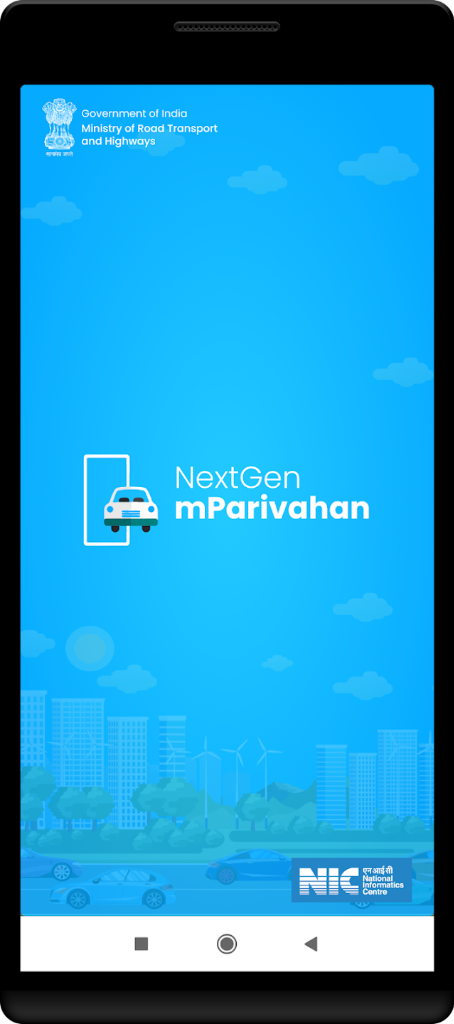

Tap the INSTALL APP NOW button on the page.
The mParivahan app will begin downloading immediately.
Open the downloaded file from the notification bar or Downloads folder.
Tap Install and start using the app right away.
Apply, renew, get duplicate DL and check status instantly.
Download your vehicle registration certificate anytime.
View pending challans and pay them online with ease.
Get complete details of any vehicle instantly.
Manage vehicle fitness certificates and permit services.
Real-time alerts for DL expiry and pending challans.
Tap the INSTALL APP NOW button. Once the file is downloaded, open it and tap Install to complete the setup.
Whenever a new version is available, the website is updated instantly. You can download the latest version from here at any time.
Yes, this is a verified and official portal where you can download the mParivahan app safely.
Installing the new version automatically replaces the old one on your device.